Presentations powered by live Salesforce data.
A complete presentation studio inside Salesforce. Design slides with 20+ professional themes, import existing PPTX files, merge live data, and present with real-time audience sync.
20+ Professional Themes
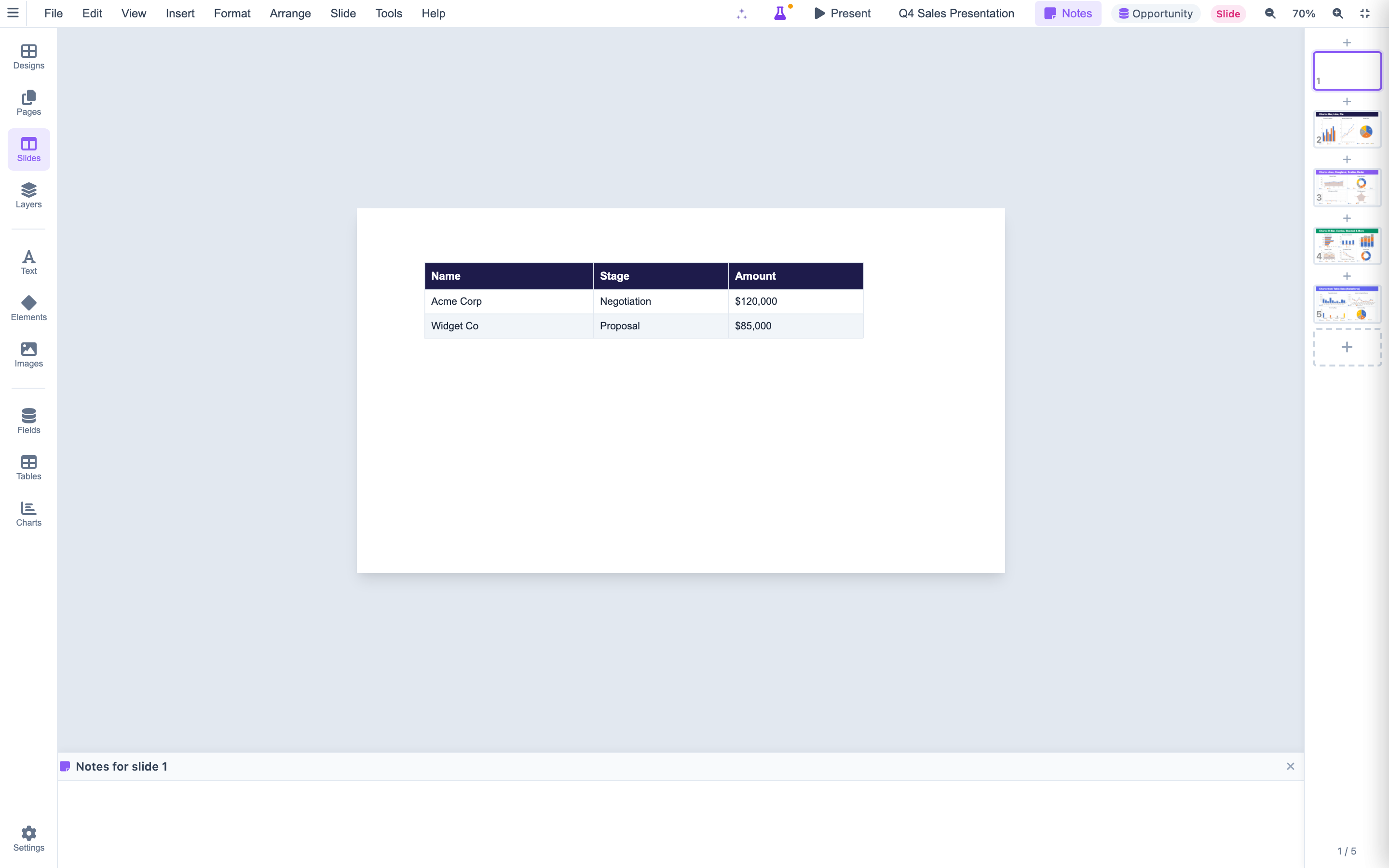
Every presentation starts with a professional foundation. Choose from over 20 themes organized across 6 categories: Business (3 themes for corporate decks), Creative (4 themes for bold visual storytelling), Minimalist (5 themes for clean, focused communication), Marketing (2 themes for campaign pitches), Sales (1 theme optimized for deal presentations), and Reports (2 themes for data-heavy quarterly reviews). Every theme includes a curated color palette, font pairing, slide layouts, and decorative elements that work together seamlessly.
Live Presenter Mode
Present from anywhere with real-time presenter-audience synchronization. The broadcast channel technology keeps all connected viewers on the same slide as the presenter advances. Audience members see a clean, distraction-free view on their own screens. The presenter controls navigation, animations, and transitions from a dedicated presenter console. Share a simple URL and your entire team follows along in real time — no screen sharing software required.
Full OOXML Compliance
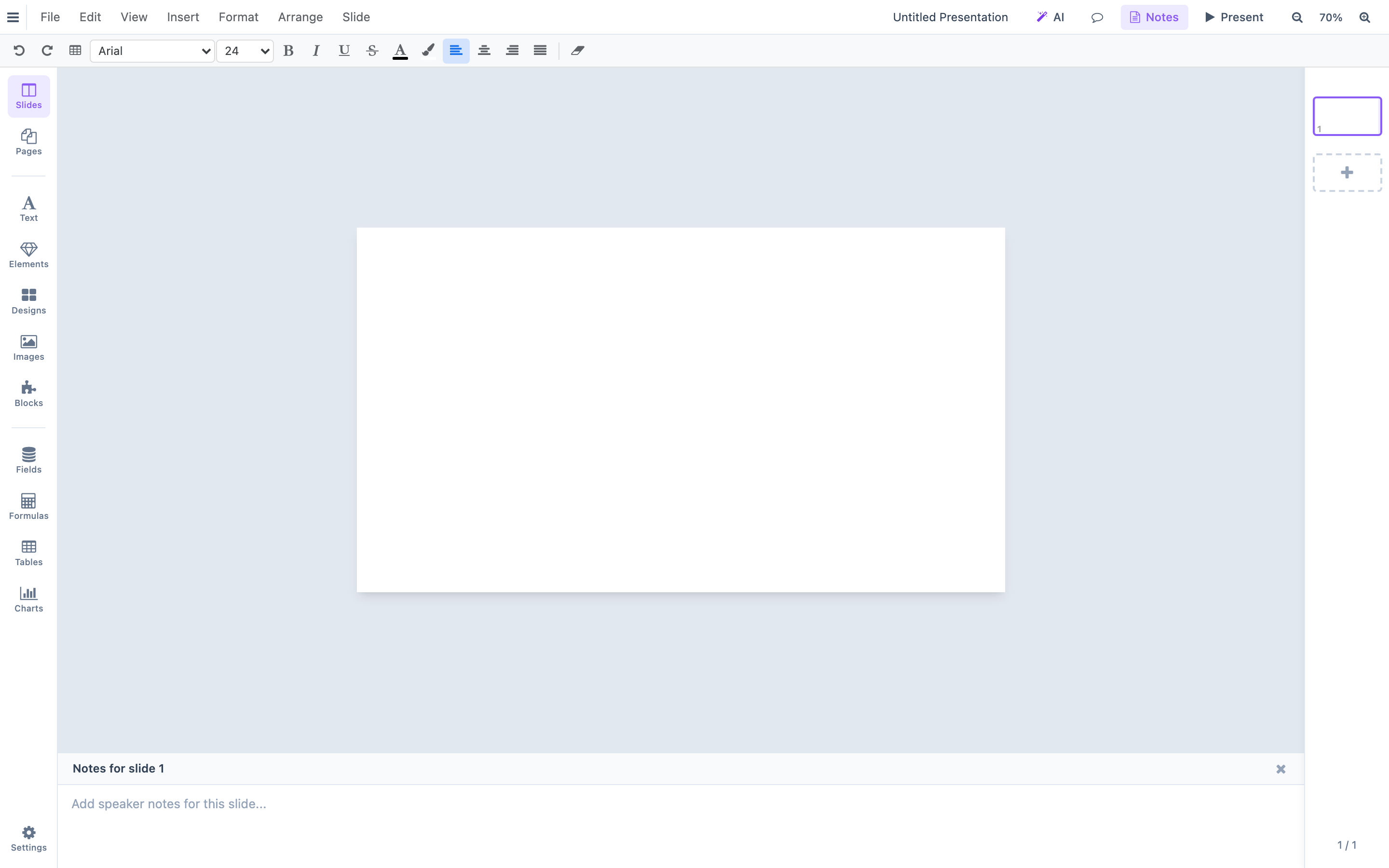
Import existing PowerPoint files with full fidelity. NiimePresent reads and writes the OOXML specification that PowerPoint uses, including EMU (English Metric Unit) positioning, scheme colors with modifier chains, theme font resolution, and relationship management. Edit imported slides in the browser, merge Salesforce data into placeholders, and export back to PPTX without losing formatting, animations, or metadata. True round-trip editing means your original design integrity is preserved.
Rich Design Tools
Build slides with a full suite of design primitives. Add rectangles, circles, and custom shapes. Insert tables with configurable rows and columns. Create rich text blocks with bullet points, line spacing, and multiple font styles. Apply gradient fills, pattern fills, and image fills to any shape. Add visual effects including drop shadows, glow, and reflections. Group objects to move and resize them as a unit. Connect shapes with connector lines featuring configurable arrowhead styles.
Everything you need to present with confidence.
A complete presentation toolkit designed for Salesforce-powered teams.
Chart Support
Embed charts with live Salesforce data directly on your slides. Bar, line, pie, and more — all rendered with real data at generation time.
Collaboration
Presenter-audience sync enables live team presentations. Share a link and everyone follows along in real time — no screen sharing or conferencing plugins required.
Slide Management
The slide strip gives you thumbnail previews of every slide. Drag to reorder, right-click to duplicate, and manage transitions from a clean visual interface.
PPTX Import
Import existing PowerPoint files and edit them in the browser. Shapes, text, images, tables, and formatting are preserved with full OOXML compliance.
Design Panel
Browse and apply themes with one click from the design panel. Preview how each theme transforms your slides before committing to a look.
Speaker Notes
Add presenter notes per slide that are visible only to you during presentations. Prepare talking points, data references, and audience prompts for every slide.
Presenter Notes
Add detailed speaker notes per slide visible only in presenter mode. The audience view shows clean slides while you see your talking points.
Table Support
Insert data tables directly on slides with professional styling. Tables support Salesforce data binding for dynamic content.
13 Chart Types for Slide Content
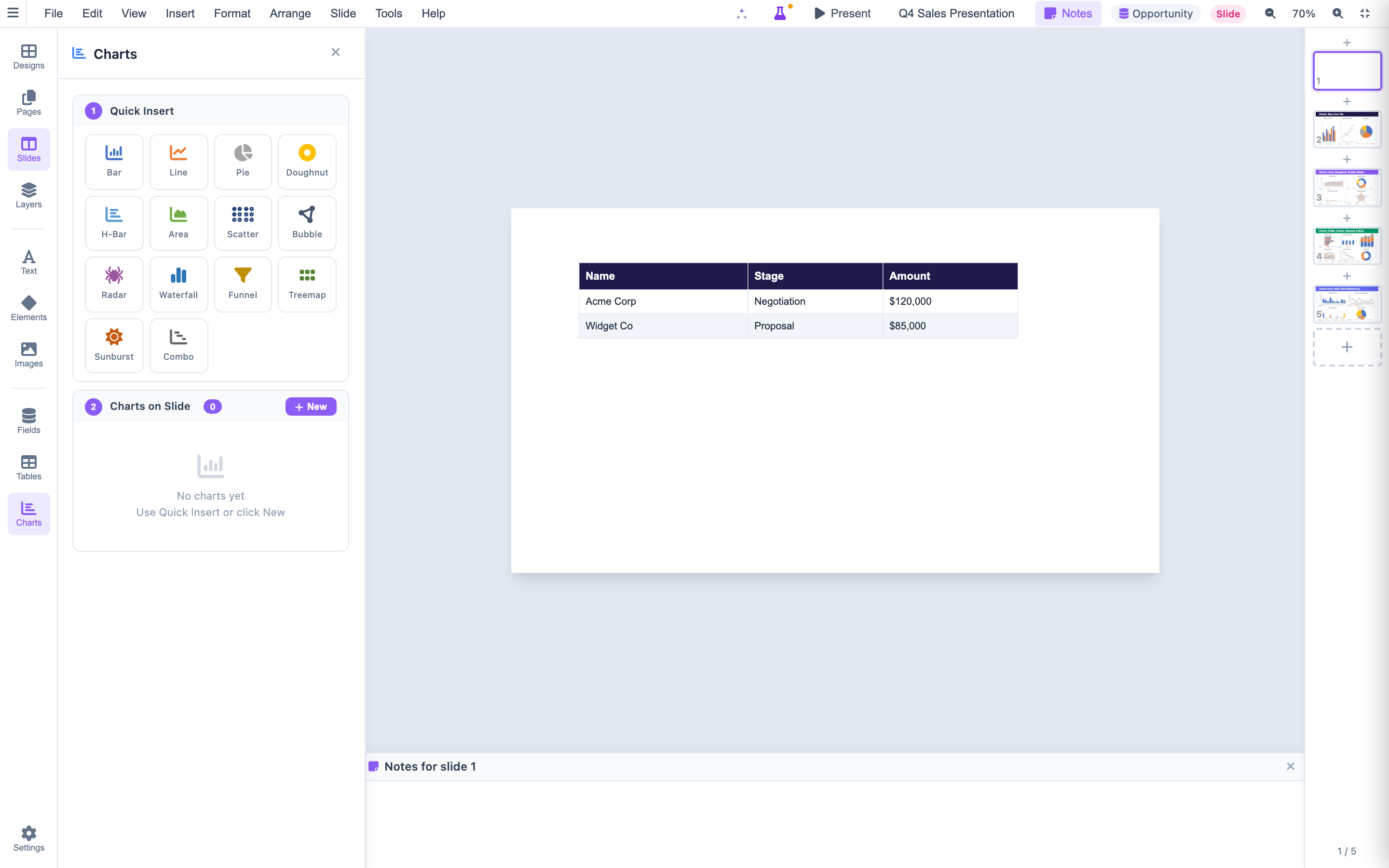
Add data visualizations directly to your slides. The Charts panel offers Quick Insert for common types and detailed configuration for advanced charts. Each chart can pull data from Salesforce queries or static datasets.
Layers & Object Management
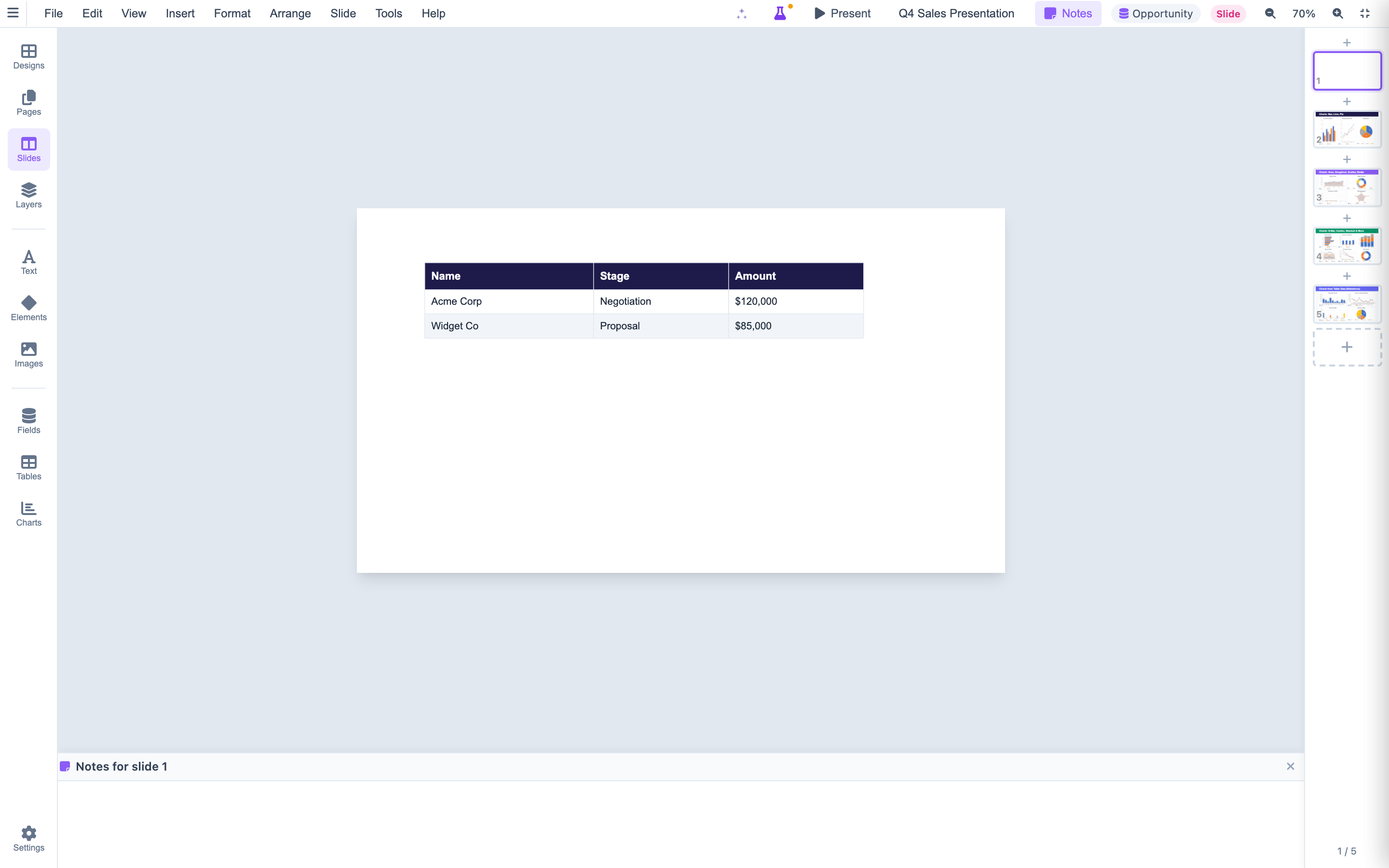
Manage complex slides with the Layers panel. Control z-order, visibility, and selection of individual objects. Group related elements, lock backgrounds, and organize your slide composition with precision.
Salesforce Data on Every Slide
Insert merge fields from any Salesforce object directly onto slides. Use the Fields and Formulas panels to pull account names, opportunity amounts, dates, and calculated values into your presentation content.
Your next presentation writes itself.
Design once. Merge Salesforce data. Present with confidence. Start building presentations that close deals.